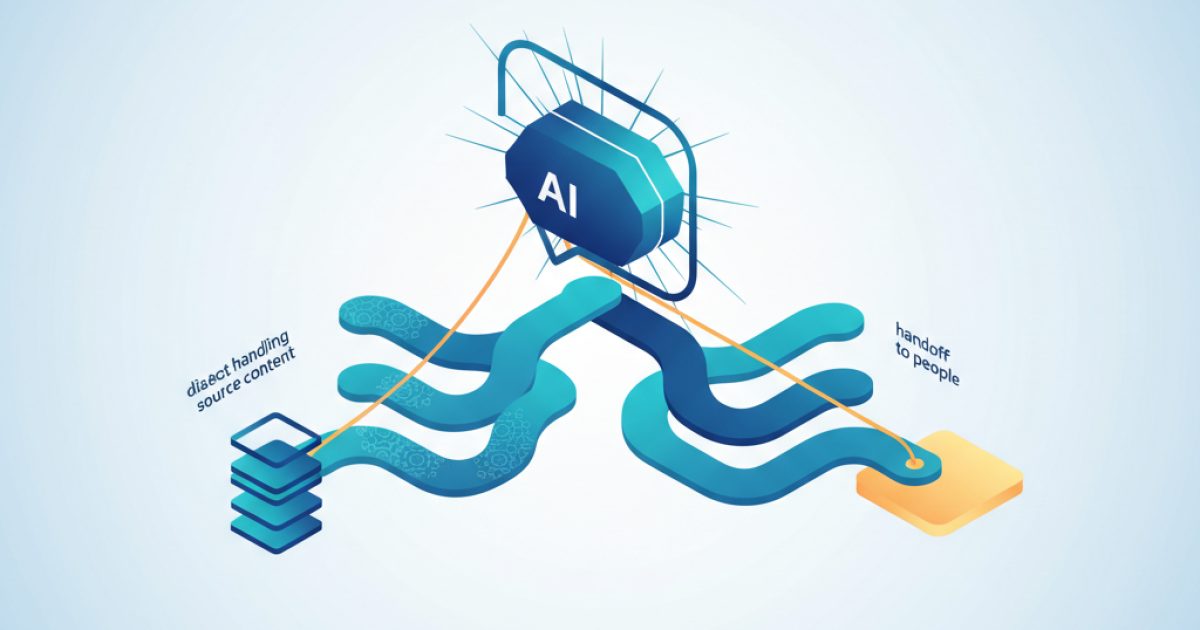
An AI chat assistant for your website can answer common visitor questions at any hour, qualify leads and reduce repeated emails to your sales and support staff. It only works well when three decisions are made before any code is written: what the assistant is allowed to discuss, which documents it can read, and how it passes a conversation to a person. This guide walks through those decisions in plain terms. It is written for business owners and operations leads at small and mid-sized companies in Egypt and the Middle East who are considering one for their own site.
What an AI chat assistant should do on your website
A useful website assistant does a small number of jobs well. It should answer questions that already come in by email or phone, guide visitors to the right page or form, and capture enough detail for your team to follow up. It should not try to be a general chatbot that talks about anything.
Typical first-version jobs include:
- Answering questions about services, delivery times, coverage areas and working hours
- Explaining pricing structure without inventing exact figures
- Recommending the right service page or case study for the visitor's problem
- Collecting a name, contact details and project summary for the sales team
- Booking a consultation or handing the chat to a person during business hours
We built an assistant like this into the NoLimit Tech website, an AI agency site that presents its services, delivery process and case studies. You can see how a company site can combine service content with a built-in assistant on our projects page.
Define the scope before you pick a model
Scope is the most important decision and the cheapest one to make. Write it as two short lists: what the assistant must answer, and what it must refuse or route elsewhere. Vague scope leads to an assistant that guesses, and guessing about prices, contracts or medical and legal matters creates real risk.
| Area | Assistant answers | Assistant routes to a person |
|---|---|---|
| Services | What you offer, who it is for, typical process | Custom scope questions and technical edge cases |
| Pricing | How pricing is structured and what affects it | Any request for an exact quote or discount |
| Timelines | Typical duration ranges from your published FAQ | Deadline commitments for a specific project |
| Existing clients | Where to find the account or support portal | Billing disputes, complaints, account changes |
| Legal and compliance | Which certifications or policies you publish | Contract terms, data requests, regulatory questions |
Keep the first version narrow. Ten well-answered question types are worth more than an assistant that answers everything badly.
Choose the sources it can answer from
An assistant is only as accurate as the material it is allowed to use. Most business assistants work with a defined knowledge base: your service pages, FAQs, process descriptions, published case studies and policies. The model retrieves relevant passages from that material and writes an answer from them. This approach, usually called retrieval-augmented generation, is covered in more depth in our article on retrieval-augmented generation for business knowledge bases.
| Source | Use it for | Watch for |
|---|---|---|
| Service and process pages | Core answers about what you do | Out-of-date wording after service changes |
| FAQ document | Common questions in plain language | Answers that contradict the web pages |
| Case studies | Showing relevant past work | Confidential client details that should not appear |
| Pricing rules | Explaining what drives cost | Specific numbers that change often |
| Live CRM or order data | Order status for logged-in users only | Access control and personal data exposure |
Assign one owner to the knowledge base. When a service changes, someone must update the source material, or the assistant will confidently repeat old information.
Design the human handoff
Handoff is where most website assistants fail. A visitor who is stuck and cannot reach a person will leave with a worse impression than if there were no chat at all. Design the handoff as a planned path, not an afterthought.
- Detect the trigger. Hand off when the visitor asks for a person, when the question falls outside the approved scope, when the assistant's confidence is low, or when the visitor expresses frustration.
- State the availability. Tell the visitor whether a person is online now or will reply by email within a stated window. Do not promise instant replies you cannot keep.
- Pass the context. The person receiving the chat should see the conversation so far, so the visitor does not repeat themselves.
- Offer a fallback. If nobody is available, capture contact details and a short summary, then send a clear confirmation.
- Review the handoffs. Each week, read the transcripts that reached a person. They show gaps in the knowledge base and questions the assistant should answer next.
For a sales-focused site, the handoff often connects to a contact form or a consultation request. Make sure the captured details flow into the same place your team already tracks leads.
Set rules for what the assistant must never do
Write explicit rules and test against them. At minimum, the assistant should not invent prices, promise delivery dates, give legal or financial advice, or ask for sensitive personal data such as national ID numbers or card details. It should say clearly that it is an automated assistant and offer a person when asked.
Privacy matters too. Decide what conversation data you store, how long you keep it, who can read it, and whether it is used to train any model. Our article on responsible AI and data privacy rules for business assistants sets out the questions to answer before launch. Security testing of the assistant and its admin panel should be part of the plan, using the same discipline you would apply to any public web application.
Plan the build and the budget
A focused first version usually includes a chat widget, a retrieval layer over your approved content, scope rules, a handoff path into your inbox or CRM, a transcript log and a simple admin view to update content. Costs depend on how many sources you connect, how many languages you support, how many systems the handoff touches, and how much testing you require. Arabic and English support, for example, needs its own test cases for tone and accuracy.
Our services cover AI and machine learning work alongside the web platform, so the assistant can be built into the same site rather than bolted on later. For a realistic estimate, share your scope, sources and handoff requirements through the contact page.
Checklist before you request a quote
- Two lists written: what the assistant answers, and what it routes to a person
- Named owner for the knowledge base and a review schedule
- Approved source documents identified, with outdated material removed
- Handoff triggers, availability message and lead destination defined
- Rules for prohibited answers, pricing and sensitive data written down
- Conversation storage, retention and access rules agreed
- Test set of at least 30 real visitor questions, including tricky ones
- Success measures agreed in advance, such as handoff rate and lead quality
Frequently asked questions
How much does an AI chat assistant for a website cost?
Cost depends on the number of knowledge sources, languages, handoff integrations and the level of testing required. A focused first version with one language and a single handoff path is much smaller than a multi-language assistant connected to a CRM and order system. Share your requirements for an accurate estimate.
Can a website chatbot answer in Arabic and English?
Yes, but each language needs its own test cases for accuracy and tone. Mixed-language conversations, which are common in the region, should be tested specifically. Plan the knowledge base in both languages so answers stay consistent.
How do I stop an AI assistant from giving wrong answers?
Limit it to approved sources, write rules for what it must refuse, and route uncertain questions to a person. Review transcripts regularly and update the knowledge base whenever a service, price or policy changes.
Should the assistant be able to see customer account data?
Only if it is necessary, and only for logged-in users with strict access controls. Start without account access. Add order or account lookups later, once authentication, logging and privacy rules are tested.