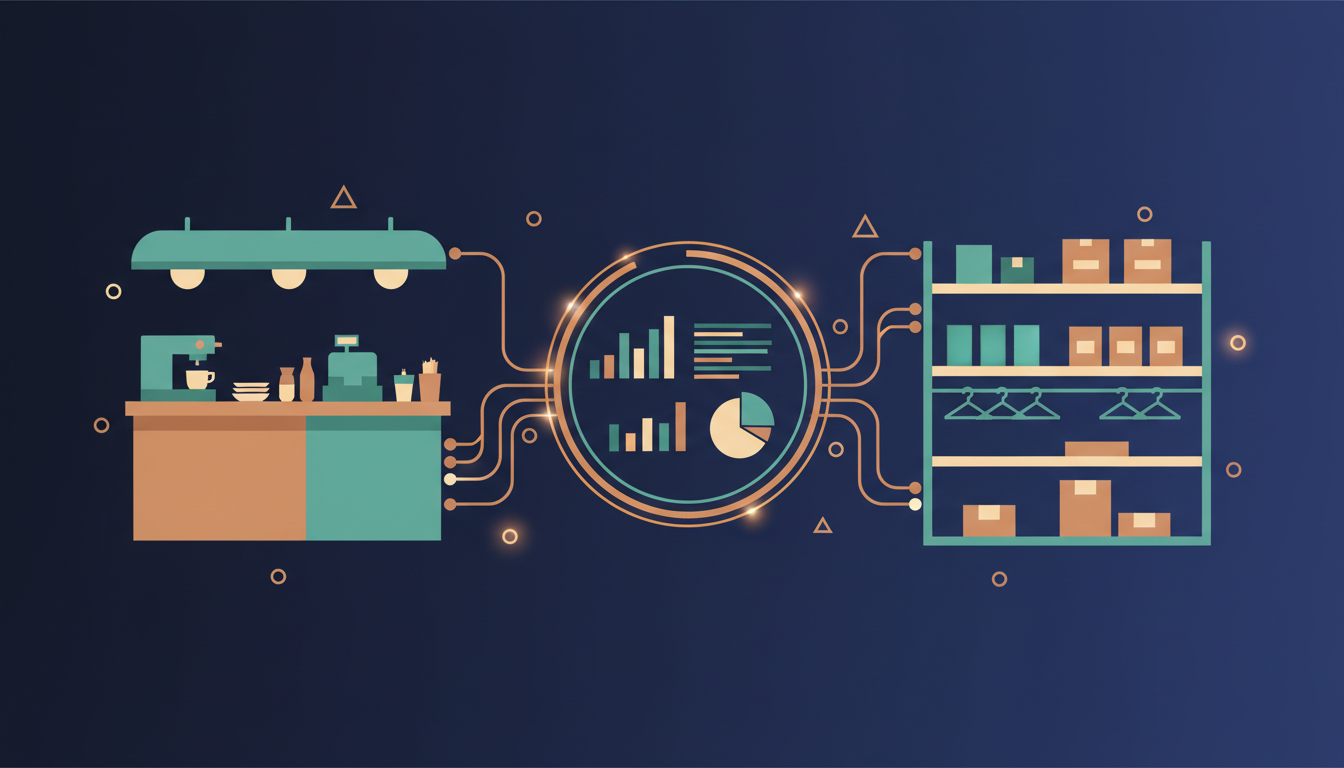
If you run a restaurant or a shop in Egypt or the wider region, an ERP for restaurants and retail has to do two jobs at once. It must record every sale at the till without delay, and it must turn those sales into accurate stock, accounts and reports. The hard part is rarely the ERP on its own. It is the point where your point-of-sale system and your back office meet. This checklist shows what to verify before you buy or commission a system, so the integration works on a busy Friday night and not only in the demo.
What an ERP for restaurants and retail must cover
Most businesses in this sector need the same core functions, even if the details differ between a café and a clothing store. A workable system should handle:
- Sales capture at every till, including discounts, refunds, voids and split payments.
- Inventory by item, by branch and by unit of measure, updated as sales happen.
- Purchasing and suppliers, so stock levels trigger orders rather than surprises.
- Accounting, with sales, tax and cash movements posted automatically.
- Customer records for loyalty, repeat orders and delivery addresses.
- Reporting by branch, product, shift and cashier.
If a vendor can show all of this in one system without manual exports, you have a good starting point. The next step is to test how the POS feeds the rest of it.
POS integration checklist
Use the table below as a working list during vendor meetings. Ask for each item to be shown in a live demo, not described in a slide.
| Area | What to verify | Warning sign |
|---|---|---|
| Sales sync | Each sale reaches the ERP in near real time, including voids, refunds and discounts | Only a nightly batch upload |
| Stock deduction | Sales reduce stock automatically, using recipes for restaurants and SKUs or variants for retail | Stock is only updated by manual counts |
| Payments | Cash, card and online payments reconcile by shift and by terminal | Cashier totals never match what reaches the bank |
| Offline mode | The till keeps selling when the internet drops and syncs once it returns | The shop stops when the Wi-Fi fails |
| Tax and invoices | Receipts and tax lines match local rules, including e-invoicing where it applies to you | Tax is calculated in a spreadsheet |
| Multi-branch | Each branch has its own stock, staff and prices, with central reporting | All branches share one stock pool |
| Hardware | Receipt printers, kitchen displays, scanners and cash drawers are tested with your exact models | The vendor has never connected your hardware |
Restaurant-specific questions: recipes and modifiers
For a restaurant, the most important integration point is the recipe. When a customer orders a burger with extra cheese and no onions, the system should deduct the bread, meat, cheese and any other ingredients from stock, not just the menu item. Ask the vendor how modifiers are handled, how sub-recipes such as sauces are costed, and what happens when a kitchen prepares something that is not on the menu.
Also check kitchen routing. Orders should go to the correct station display or printer, and cancellations should reach the kitchen immediately. A mismatch here causes waste and disputes that no amount of reporting can fix later.
Retail-specific questions: barcodes, variants and promotions
For retail, the key questions are about product structure. A single shirt may come in six sizes and four colours, and each combination needs its own barcode and stock count. Confirm that the system supports variants, bundles and supplier codes, and that returns restock the correct variant.
Promotions are the other common failure point. Test a buy-one-get-one offer, a percentage discount on a category and a loyalty reward in the same basket. Check that the discount appears correctly on the receipt, in the accounts and in the sales report.
Reporting you should be able to pull on day one
Before you go live, you should be able to answer these questions without help from the vendor:
- Which products made the most gross margin this week, by branch?
- How much cash should be in the drawer at the end of each shift, and what was the variance?
- Which items are running low, and which suppliers have delivered late?
- What were refunds and voids, and who authorised them?
- Do the day's POS totals match the day's ledger entries?
If any of these require a custom report that takes weeks to build, factor that into the budget and timeline.
Run a pilot with your real data
A demo uses clean data. Your business does not. A short, structured pilot shows whether the system holds up under real conditions:
- Pick one branch or one till and run it in parallel with your current process for two weeks.
- Load your real product list, recipes or SKUs, and prices, and check a sample of them by hand.
- Deliberately test edge cases: a void after payment, a split bill, a card that fails and is retried, and a shift that closes with a shortage.
- Disconnect the internet for ten minutes during a busy period and confirm that sales are kept and later synced.
- Compare the ERP stock figures with a physical count at the end of the pilot.
Agree on pass criteria before the pilot starts. For example, stock variance under a set percentage and no lost transactions during the offline test.
How we approach POS and ERP projects
We build and run POS and ERP systems for retail and hospitality. Our own Narmar POS and ERP suite brings accounting, inventory, CRM, manufacturing and repair modules into one system, so sales data does not have to be passed between separate tools. You can see examples of our retail and hospitality work on our projects page.
If you only need the point-of-sale part, our POS subscription service is designed for that. If you need the full back office, start with our ERP system service. Either way, we recommend running the checklist above first. It saves time on both sides. When you are ready to discuss your branches, products and hardware, contact our team and we will arrange a consultation.
Frequently asked questions
Can a POS and an ERP be from different vendors?
Yes, but the connection between them becomes the most important part of the project. You need a documented integration for sales, refunds, stock and payments, plus a clear owner for any failure. Without that, the two systems will drift apart over time.
Do restaurants need a different ERP from retail shops?
Not always. The core accounting, purchasing and reporting are similar. The difference lies in recipes and kitchen routing for restaurants, and in variants, barcodes and promotions for retail. A good system supports both.
What happens to sales if the internet goes down?
It depends on the system. Ask the vendor to demonstrate offline selling and automatic sync on your own hardware. Do not accept a verbal assurance without testing it.
How long does a restaurant or retail ERP project take?
A single-branch setup with a standard POS can go live in a few weeks. Multi-branch rollouts, custom reports and hardware changes take longer. Agree milestones and a pilot period before the work begins.