A software maintenance plan is the agreement that keeps a system secure, fast and running after launch. Many companies budget carefully for the build and then forget the months that follow, when bugs appear in real use, servers need patching and staff start asking for changes. This article explains what a maintenance plan should cover, how to read its service levels, and how to compare proposals without guessing.
Why launch is where ongoing cost begins
A new system is not finished when it goes live. It has just started meeting real users, real data and real traffic. In the first months, you will usually see small defects, requests for reports you did not plan, and changes forced by updates to payment gateways, operating systems or government rules.
Without a maintenance plan, every one of these issues becomes a negotiation. Your team waits for a developer to become available, the work gets quoted from scratch, and nobody is clearly responsible when something breaks at 9 pm on a busy night. A retainer turns that uncertainty into a known monthly cost.
What a software maintenance plan should cover
A useful plan lists specific activities, not general promises of "support." At minimum, look for these areas:
- Bug fixing: defects in features that already work as specified, with a clear line between bugs and new requests.
- Security updates: framework and library patches, dependency checks and a regular review of access rights.
- Monitoring: uptime checks, error tracking and alerts that reach a named person, not just an inbox.
- Backups and recovery: how often backups run, where they are stored, and how long a restore takes in practice.
- Performance tuning: slow pages, heavy reports and database queries reviewed as data grows.
- Hosting and infrastructure: server capacity, certificates, domains and cloud costs managed and reported.
- Small changes: a monthly allowance of minor adjustments, such as a new field, a report column or a text change.
- Reporting: a short monthly summary of incidents, fixes, uptime and hours used.
If a proposal only says "ongoing support," ask for this list in writing. The gap between what you think is included and what is actually included is where most disputes start.
Reading response times and SLAs in plain terms
A service level agreement (SLA) defines how quickly a vendor responds to a problem and how quickly it aims to resolve it. Most SLAs group issues by severity. The numbers below are an example of the structure, not a standard; your targets should be agreed in writing and matched to how critical the system is to your business.
| Severity | What it means | Example target to agree on |
|---|---|---|
| Critical | System down, or users cannot sell, pay or log in | Acknowledged within 1 hour, with a work-around or fix plan the same day |
| High | A key function is broken but a work-around exists | Acknowledged within 4 business hours, fix scheduled within 2 business days |
| Medium | A non-critical feature misbehaves or shows wrong data | Acknowledged within 1 business day, fixed in the next release |
| Low | Cosmetic issues or small requests | Logged and handled within the monthly change allowance |
Be careful with the word "24/7." Ask whether it applies to all severities or only critical ones, and who is on call outside working hours. A system that takes payments on weekends needs different cover from an internal reporting tool.
Retainer or hourly support: which fits your business
Vendors usually offer two ways to pay for support. Each suits a different situation.
- A monthly retainer reserves a fixed number of hours or a defined scope each month. It works well when the system is business-critical, changes often, or needs predictable budgeting.
- Hourly or ticket-based support bills only the work you request. It can suit a stable internal tool with few changes, but it makes response times and priorities harder to guarantee.
For most growing companies, a retainer with a clear monthly allowance and a rate for extra work is the more reliable choice. It keeps the vendor's team familiar with your system, which shortens every future fix.
A checklist for reviewing a maintenance proposal
- Does the proposal list the activities covered, not just the price?
- Are severity levels defined, with a response target for each?
- Who is the named contact, and how do you escalate if they do not respond?
- What counts as a bug and what counts as a new feature?
- How many change requests are included each month, and what happens to unused hours?
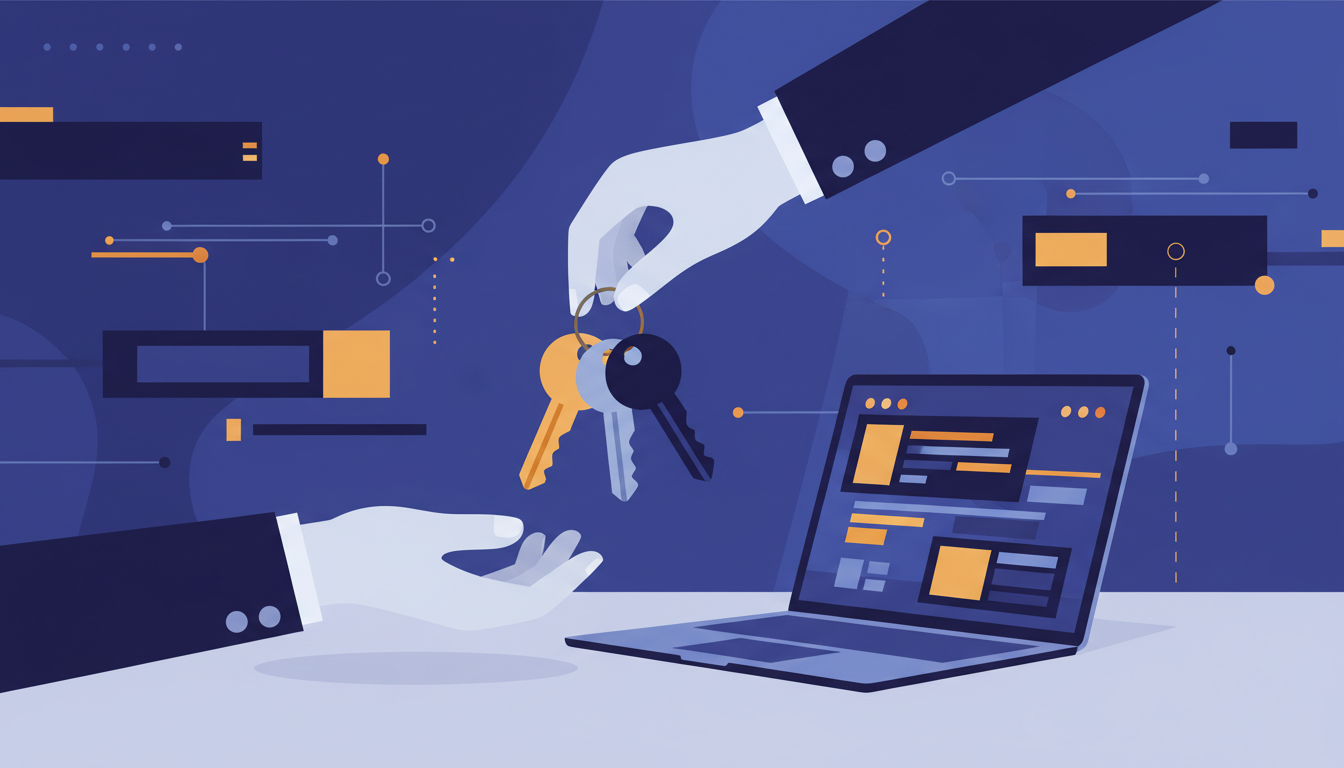
- Who owns the hosting accounts, domains and cloud keys? You should, or have shared access.
- How often are backups tested by restoring them, not just by checking that they run?
- What does the monthly report contain, and when will you receive it?
- Is the plan reviewed each year as your user numbers and data grow?
- How do you exit the agreement, and can you take over the source code and documentation?
Where maintenance matters most in practice
The need for maintenance depends on how the system is used. A few examples from our own delivery work show the range:
- The Earth Movers ERP ties equipment, fuel, work orders and payroll together and includes a mobile app for crews in the field. Connectivity, device updates and mobile fixes need fast attention, because a stalled work order affects the whole site.
- The Arabic Learning Platform lets each academy run its own branded site with protected video and online payments. Each new academy adds users, content and payment activity, so performance and security checks grow with the platform.
- VnuMngr handles bookings, event tickets and gift cards for venues. Peak nights put pressure on the system, so monitoring and performance tuning are part of the job, not an extra.
- The OKI Facture invoicing SaaS includes automatic reminders and e-invoicing. A failed reminder or a broken tax format is a compliance issue, which makes quick response a priority.
If you run an ERP, the cost of downtime and slow fixes is usually higher than the cost of the retainer. Our ERP System service includes ongoing operation, and our POS Subscription covers point-of-sale systems that need to stay online during trading hours. For a broader view of what post-launch support looks like, read our guide on ERP go-live support and stabilization.
Next steps
Before you sign any maintenance agreement, write down the activities you need, the severity targets your business can live with, and the monthly change allowance you expect. Share that list with your vendor and ask them to respond against it. If you would like us to review your current support arrangement or prepare a maintenance scope for a new system, contact our team and a specialist will arrange a consultation.
Frequently asked questions
How much does a software maintenance plan cost?
Cost depends on how critical the system is, how often it changes, how much traffic and data it handles, and the response times you require. Most vendors price a retainer by monthly hours or by scope, and extra work is billed at an agreed rate. Ask for a fixed monthly figure with a clearly defined allowance.
What is the difference between maintenance and support?
Support usually means answering questions and fixing reported problems. Maintenance is broader: it includes security patches, updates, monitoring, backups and performance work that keeps the system healthy even when nothing is reported broken. A good plan covers both.
Should I own the hosting accounts if my vendor maintains the system?
Yes, in most cases. Hosting, domains, cloud accounts and code repositories should be registered in your company's name or shared with you with full administrative access. This protects you if the relationship ends and makes it easier to b