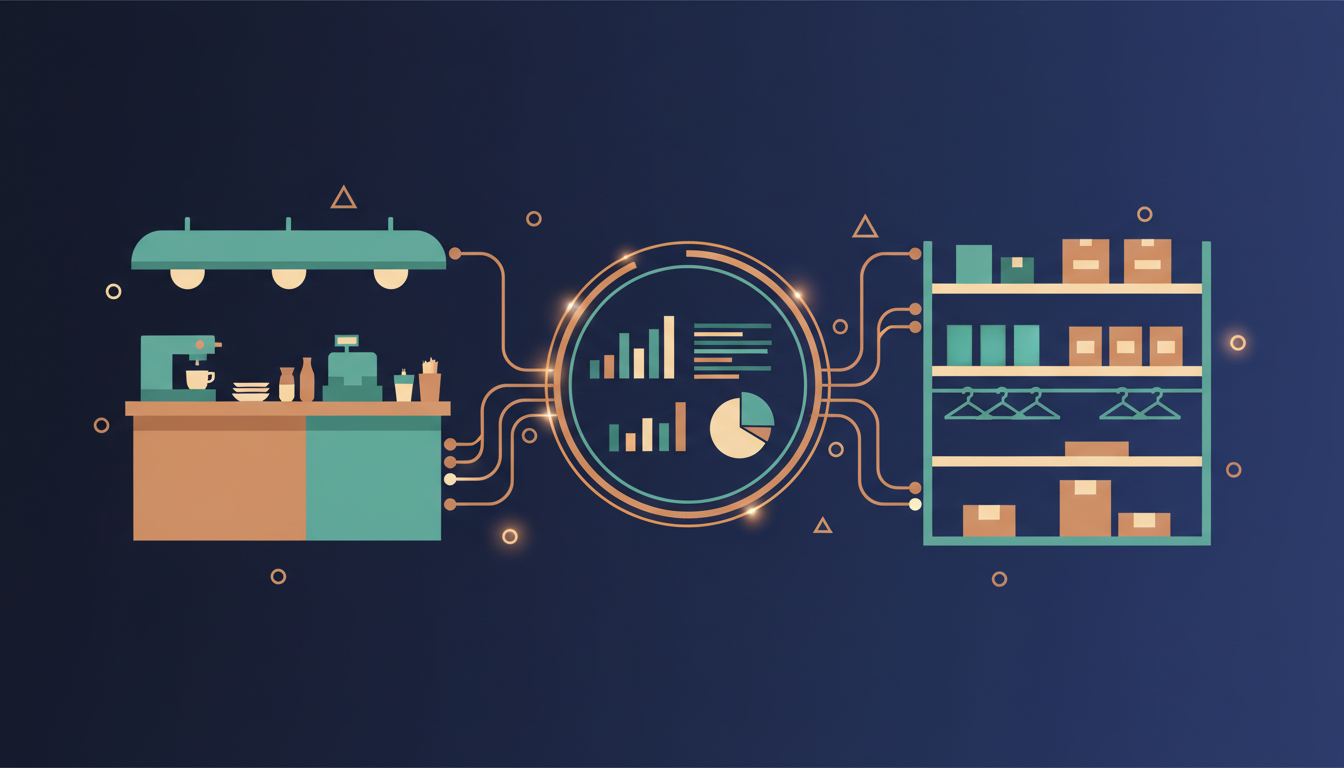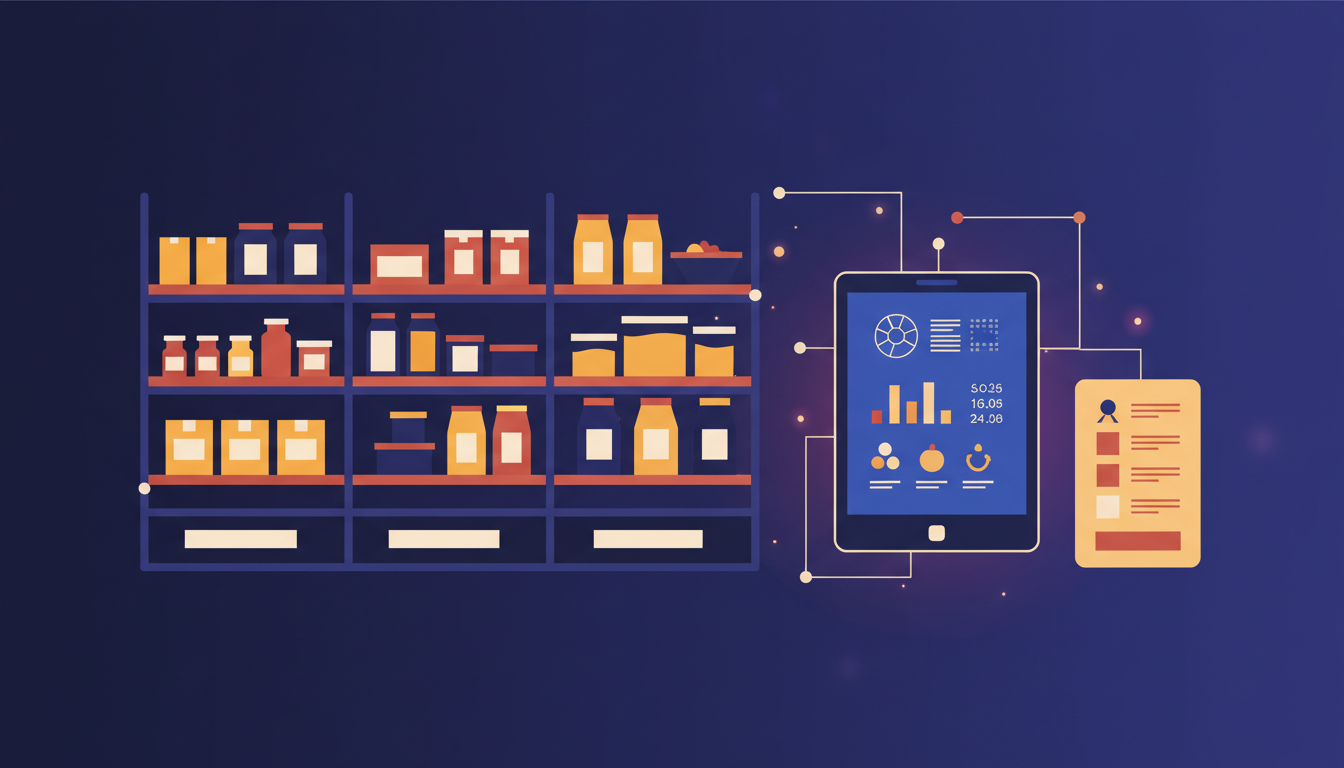
Good restaurant inventory software does more than count bottles and boxes. It tracks ingredients at the unit level, links each menu item to the ingredients it consumes, records what is wasted, and updates stock automatically when the point-of-sale (POS) records a sale. If your system only shows how many cases of cooking oil are on the shelf, you will still not know what a dish really costs or why margins are falling.
This guide explains what a restaurant inventory system should track, how it should connect to your POS, and what to check before you choose a package or commission a custom build.
Why counting finished stock is not enough
Most restaurants start with a simple stock sheet. The problem appears when you have many menu items sharing the same ingredients. A chicken shawarma, a chicken sandwich and a chicken salad all draw from the same stock of chicken, pita, tahini and vegetables. Without recipe-level tracking, the system cannot tell you whether the stock drop matches what you sold.
Recipe-level tracking, often called a bill of materials (BOM) in ERP software, solves this. Each menu item lists its ingredients and quantities. When the POS records one sale, the system deducts the right amount of each ingredient from stock. Over a week, the gap between expected usage and actual counted stock shows you waste, over-portioning or theft.
What the system should calculate for you
- Cost per portion: ingredient quantities multiplied by the latest purchase price.
- Theoretical versus actual usage: what the recipes say you should have used compared with what the stock count shows.
- Price change impact: when a supplier raises the price of a key ingredient, the menu cost updates automatically.
- Reorder points: alerts when an ingredient falls below the minimum you set.
The core features to check
Use the list below as a buying checklist. If a vendor cannot show you a feature working with your own menu, treat it as missing.
- Unit conversions. Purchases often arrive in cases, kilograms or litres, while recipes use grams or millilitres. The system must convert between them without manual calculation.
- Sub-recipes. Sauces, marinades and dough are prepared in batches. Good software lets a prepared item be used as an ingredient in other recipes.
- Yield and waste. Trimming, cooking loss and spoilage reduce usable weight. Record yield percentages and log waste by reason.
- Goods receipt and supplier invoices. When delivery arrives, stock increases at the price actually paid, not the price on the order.
- Stock counts. Partial counts for high-value items (daily or weekly) and full counts (monthly) should both be supported, with variance reports.
- Multi-branch transfers. If you run more than one outlet or a central kitchen, transfers between locations need their own documents and approvals.
- Accounting links. Cost of goods sold, inventory value and supplier payables should flow into your ledger.
How inventory connects to the POS
The most common failure in restaurant software is a weak link between the POS and inventory. If the POS sends sales as plain totals, the inventory system cannot deduct ingredients. Ask every vendor one question: when a sale is rung up for a combo meal with a modifier, such as extra cheese, does stock deduct the right ingredients?
The table below shows what to expect from three common setups.
| Setup | Ingredient deduction | Typical problem |
|---|---|---|
| Spreadsheet with manual counts | None, counts only | No link to sales, waste is invisible |
| Standalone inventory app | Partial, often by item not by modifier | Manual re-entry of sales, delayed stock figures |
| Integrated POS and ERP | Automatic, by recipe and modifier | Needs clean recipe setup before go-live |
Our POS subscription covers the front-of-house side, while the ERP system handles purchasing, inventory, accounting and manufacturing for the kitchen. For more on how these modules should talk to each other, read our POS integration checklist.
Common mistakes when setting up restaurant inventory
Loading recipes without weighing portions
If recipes say "a handful of parsley" or "one ladle of sauce", the system cannot calculate costs. Spend a few days weighing the real portions in the kitchen and write those quantities into the recipe.
Ignoring modifiers
Extra toppings, no-onion requests and size changes change ingredient usage. Make sure each modifier is linked to its ingredient adjustment, or your theoretical stock will drift within a week.
Mixing units in purchase data
If one supplier sells olive oil by the litre and another by the 5-litre drum, the system must know both. Set the base unit once and store every purchase in conversions to that unit.
Going live with an empty stock count
Start with a full physical count on the go-live date. Without an opening balance, every variance report after launch is wrong.
A practical rollout plan
- Map your menu to recipes for your top 30 items by sales volume.
- Weigh real portions and confirm yields for the ingredients that drive most of your cost.
- Do a full opening stock count and load it.
- Run parallel tracking for two weeks: keep the old sheet and compare it with the system.
- Review variances weekly and fix recipes or waste processes where the gap is consistent.
If you are deciding between a packaged system and a custom build for a multi-outlet operation, the answer depends on how unusual your recipes and approvals are. Our project portfolio includes a retail and restaurant POS and ERP suite with inventory and manufacturing modules, and we are happy to walk through how those modules were scoped. You can also contact our team with your menu count, outlet count and current stock process, and we will tell you what a realistic first version would include.
Frequently asked questions
What is the difference between restaurant inventory software and a POS?
A POS records sales and takes payments at the counter or table. Inventory software tracks what stock you hold, what you use and what it costs. Many modern systems combine both, but the inventory logic still needs recipes and purchasing data to work properly.
Do I need recipe costing if I only run one restaurant?
Yes, even a single outlet benefits. Recipe costing shows which dishes earn margin and which lose money when supplier prices change. It also helps you spot waste early, before it becomes a large monthly loss.
How long does it take to set up restaurant inventory?
For a menu of a few dozen items, setup usually takes a few weeks, mostly spent on weighing portions and loading recipes. Larger menus with many sub-recipes and several branches take longer, and the opening stock count should be planned carefully.
Can inventory software work with an existing POS?
Sometimes, if the POS offers an API or export that includes item-level and modifier-level sales. Confirm this before buying. If the POS only sends totals, you will need an integration layer or a different POS.
Should I buy a package or build custom inventory software?
Packaged systems suit standard menus and single-brand operations. Custom builds make sense when your workflows, approvals or branch structure are unusual, or when you need inventory tightly linked to your own ordering or delivery system.